 ToolGrid AI
Workflows
How to repurpose one blog post into a week of content with AI
A step-by-step workflow for turning a single article into social posts, a newsletter, a short video script and more — without sounding robotic.
By ToolGrid AI Editorial Team · Published

Why repurpose
Most people who follow you never see a single post. Sharing the same core idea in different formats reaches more of them and saves you from starting every piece from a blank page.
Step 1: Pull out the key ideas
Paste your article into an AI assistant and ask: "List the 5 most useful, specific ideas in this article, each in one sentence, with the supporting example from the text." These become the seeds for everything else.
Step 2: Write platform-specific posts
For each idea ask for a version that fits the platform: "Write a LinkedIn post (under 150 words) that opens with a question", "Write a 5-post thread with one idea per post", or "Write an Instagram caption with a clear call to action." Ask for 3 options and pick the best.
Step 3: Newsletter and video
Ask for a 200-word newsletter section that links back to the full article, then a 60-second video script with a hook in the first 3 seconds, three quick points and a closing line. Read the script aloud with our Text to Speech tool (/tools/text-to-speech) to hear how it flows.
Step 4: Make it sound like you
AI drafts tend to be generic. Add a personal story or a number from your own experience to each piece, cut filler phrases, and check the final word count with our Word Counter (/tools/word-counter).
Step 5: Schedule and measure
Spread the pieces across the week, then note which format got the most clicks back to the original. Next time, start with that format.
A reusable prompt
"You are a content strategist. From the article below, create: 3 LinkedIn posts, 1 five-part thread, 1 newsletter section and 1 sixty-second video script. Keep my tone: [describe]. Do not add facts that aren't in the article. Article: [paste]"
Sources
Related articles
Workflows
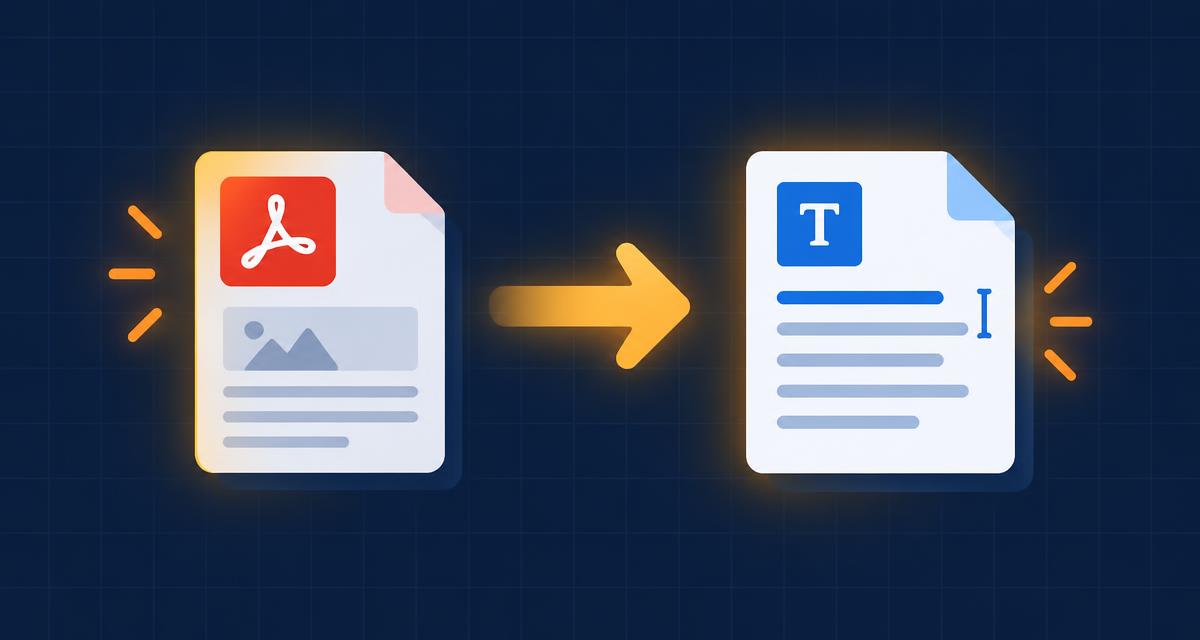
How to convert a PDF to Word for free (and when it won't work)
Turn a PDF into an editable Word document in seconds, understand why scanned PDFs behave differently, and fix common problems.
· 2 min read

Workflows
The Pomodoro Technique: a simple guide to focusing for longer
How 25-minute focus sessions work, how to adapt them to your day, and how to pair them with AI tools without getting distracted.
· 2 min read
Workflows
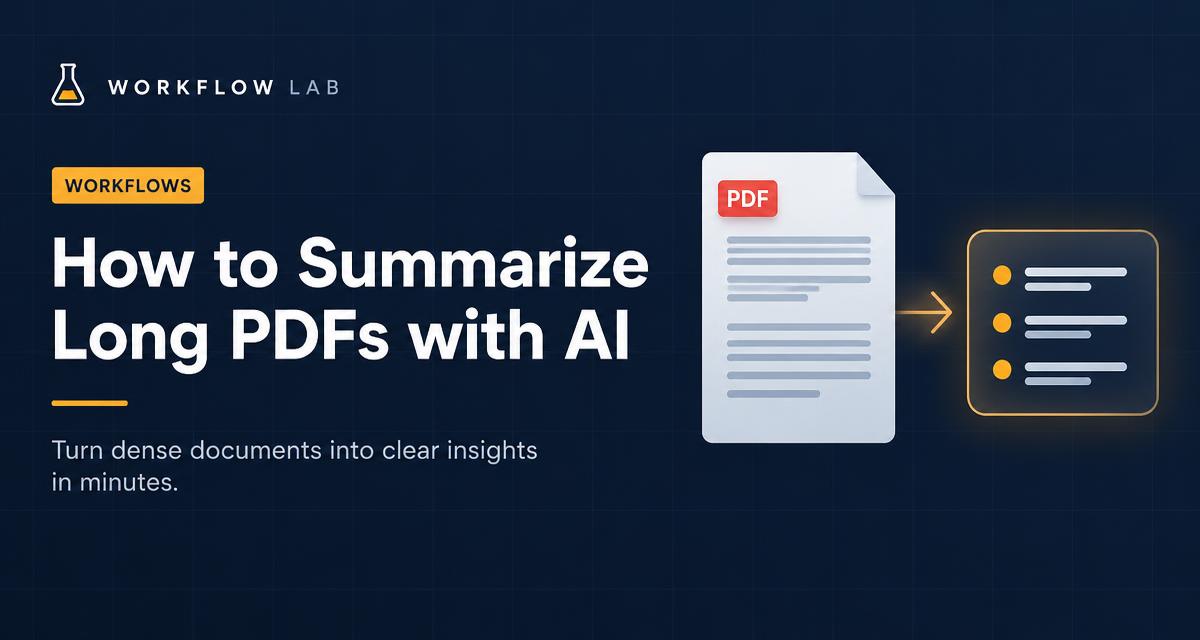
How to summarize long PDFs with AI (without missing what matters)
A practical workflow for turning reports, papers and contracts into accurate summaries using an AI assistant.
· 2 min read