 ToolGrid AI
Workflows
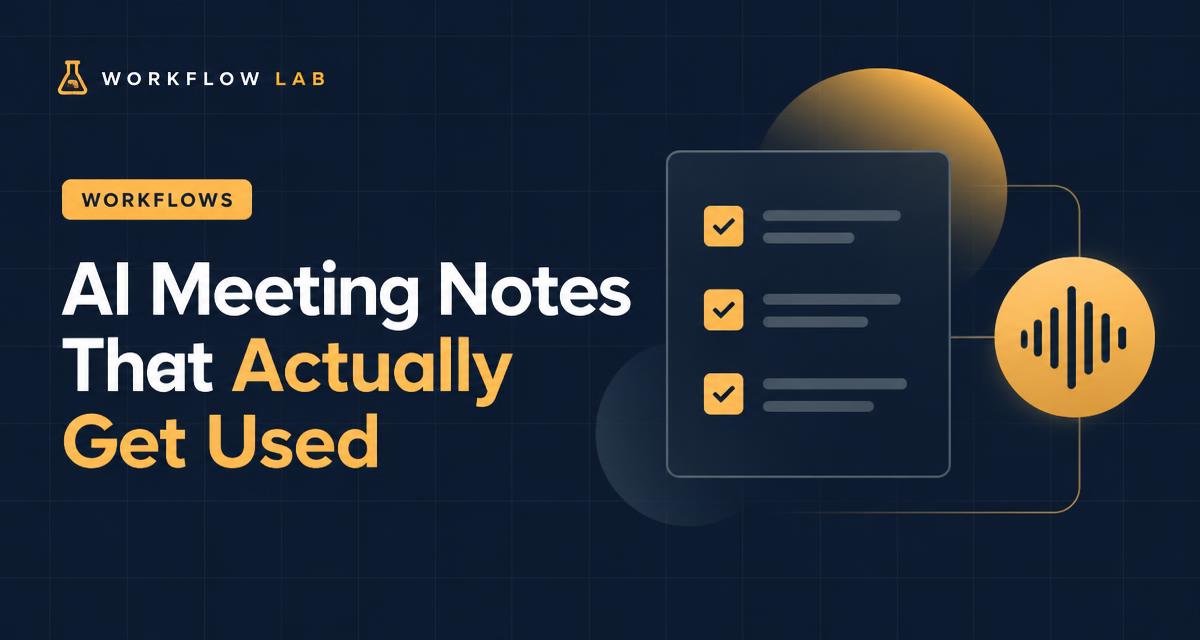
AI meeting notes that actually get used: a simple workflow
How to use AI note-takers and assistants to turn meetings into clear summaries, decisions and action items.
By ToolGrid AI Editorial Team · Published
The problem with meeting notes
Notes often go unread because they are long transcripts with no clear outcome. The goal is not to record everything — it's to capture decisions and who does what by when.
Step 1: Get consent and a transcript
Always tell participants before recording, and follow your organisation's rules and local laws. Many video tools — including Zoom, Microsoft Teams and Google Meet — offer built-in transcription or AI summaries on some plans, and dedicated tools such as Otter.ai also exist. Check the current features of your plan.
Step 2: Summarize with a fixed template
Paste the transcript into an assistant with this prompt: "From this transcript, list: 1) decisions made, 2) action items with owner and due date, 3) open questions, 4) a 3-sentence summary. Only use what was said."
Step 3: Check and share within the hour
Read the summary, fix any wrong names or misheard words, and send it to attendees while the meeting is fresh. Put action items at the top.
Step 4: Track the actions
Copy action items into the place your team already works — a task app, a shared doc or a project board — so they don't stay buried in an email.
Sources
Related articles
Workflows
How to convert a PDF to Word for free (and when it won't work)
Turn a PDF into an editable Word document in seconds, understand why scanned PDFs behave differently, and fix common problems.
· 2 min read

Workflows
The Pomodoro Technique: a simple guide to focusing for longer
How 25-minute focus sessions work, how to adapt them to your day, and how to pair them with AI tools without getting distracted.
· 2 min read
Workflows
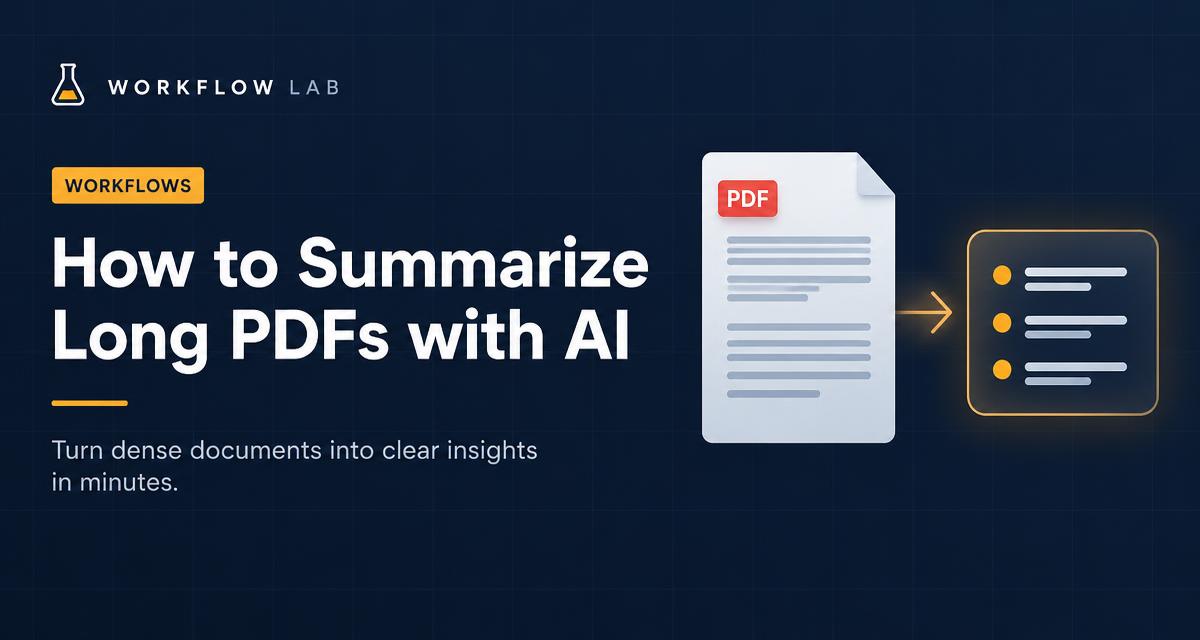
How to summarize long PDFs with AI (without missing what matters)
A practical workflow for turning reports, papers and contracts into accurate summaries using an AI assistant.
· 2 min read